
When Do You Really Need to Split PDF? Why is "Extracting Just a Few Pages" a High-Frequency Need?
If you only want to extract a few specific pages from a PDF—such as lecture notes, signature pages, ID pages, or report summaries—splitting the PDF is often quicker than exporting the entire document again. This method works best when you need just a portion of the content, rather than breaking the file into lots of small pieces unnecessarily.
This is why online PDF splitting tools are so commonly used in educational, workplace, and administrative contexts. It's not just about solving the "file is too large" problem—it's about enabling "circulation of only specific portions of a document."
Quick Answer: Why Split PDFs?
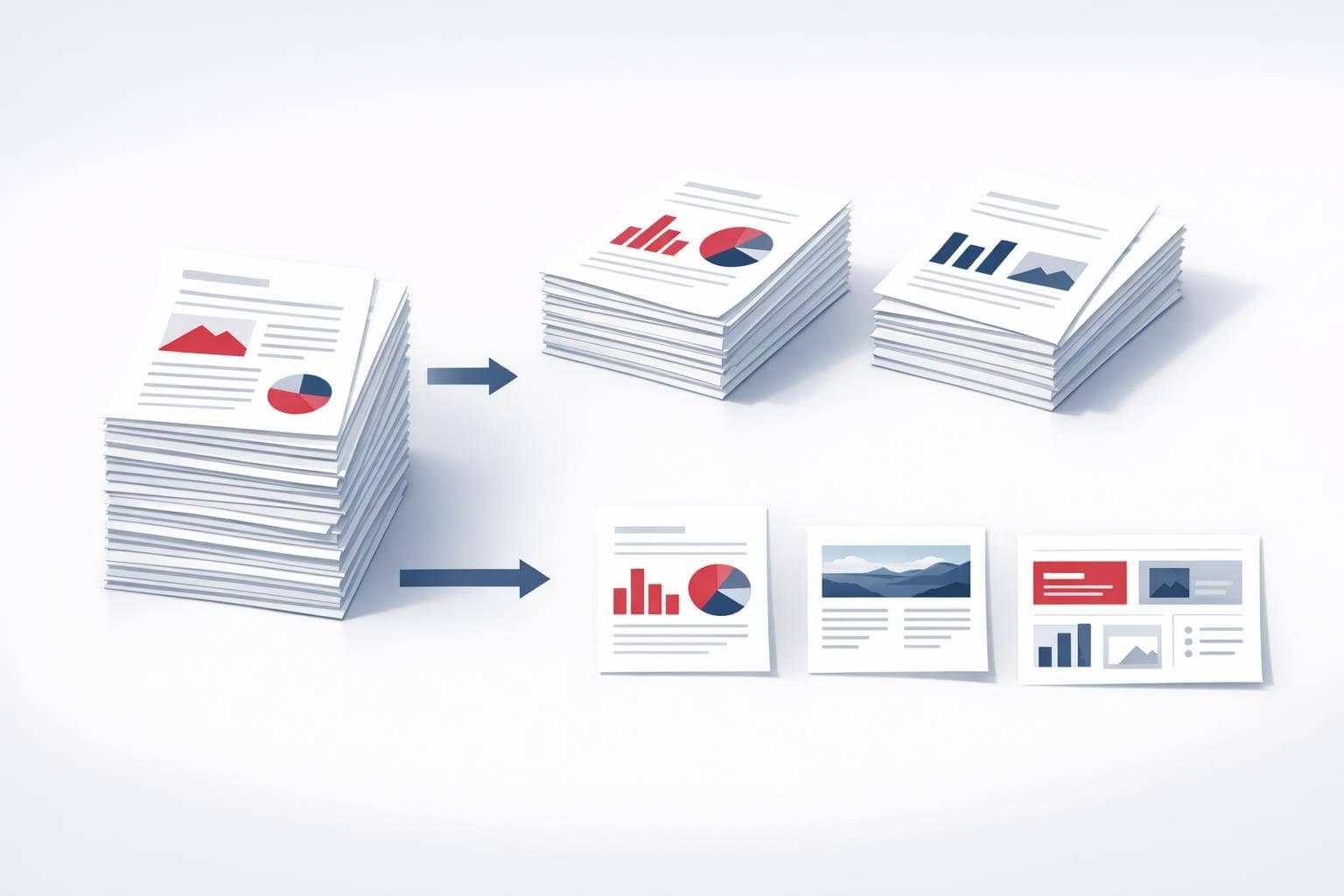
Because most of the time you only need certain pages from a PDF, not the entire document. Splitting helps you extract specific pages, remove irrelevant pages, reorganize content by sections, or break documents into smaller files that are easier to send and archive.
What are the most common scenarios?
- Extracting key review pages from course materials
- Exporting signature pages separately from contracts
- Pulling out cover pages, tables of contents, and summary pages from reports
- Splitting out ID cards, certificates, or receipt pages from scanned files
Why is "visual page selection" important?
Because many users don't remember exact page numbers—they only know "I need that page with the chart" or "I need the last two pages of attachments." If you can only input page numbers manually, the experience becomes much worse. A PDF splitting tool that supports preview and page selection is more suitable for everyday users.
Why is local splitting more appropriate?
PDF documents often contain sensitive content. Especially for identification documents, contracts, financial statements, and internal materials—if the splitting process requires uploading to a server, many teams will hesitate. Local browser processing reduces both the risk and waiting time.
When is it unnecessary to split a PDF?
If you only need to read temporarily, archive the document as a whole, or if the recipient requires the complete file later, then splitting may not be necessary. Splitting is better suited for workflows such as 'circulating by chapter, sending by page, or reusing content fragments,' rather than splitting every PDF by default.
Frequently Asked Questions
1. Does splitting a PDF affect quality?
Under normal circumstances, no—it simply reorganizes pages rather than flattening them into screenshots.
2. Is it suitable for processing ID documents and scanned files?
It's ideal for this, especially when you only need a specific page.
3. Why is "extracting a few pages" more common than "splitting into individual pages"?
Because most workflows focus on content segments rather than mechanically splitting everything evenly.
If you need to extract specific pages, extract ID pages, or export content by chapters, you can try the O.Convertor Online PDF Split Tool. If you want to merge several documents back into one after splitting, you can use the PDF Merge Tool.