

Why Convert PDF to Markdown First in AI Workflows? A Superior Solution for RAG, Knowledge Bases, and Content Organization
If you want to use PDFs for AI summarization, RAG retrieval, knowledge base chunking, or content rewriting, the most reliable method is usually not to feed the original PDF directly into the model but to first convert it into a clearer, more structured format like Markdown. This is especially true for PDFs that combine tables of contents, two-column layouts, images, references, headers, and footers; performing a structural conversion first typically produces more stable results.
A more reliable approach is to first convert the PDF into Markdown, which provides clearer structure, before using it for summarization, knowledge base creation, RAG retrieval, content migration, or team collaboration. O.Convertor's PDF to Markdown tool is designed specifically around this goal: it organizes PDF chapters, paragraphs, lists, quotes, and image references into editable text as comprehensively as possible, then passes it to you or your AI for further processing.
What problems do you typically encounter when feeding PDFs directly into AI?
When you copy text directly from a PDF or pass it straight into downstream workflows, the most common types of information loss include:
- Structural loss: Unclear boundaries between headings, subheadings, lists, and quotes.
- Ordering loss: Multi-column papers or reports frequently exhibit cross-contamination between left and right columns.
- Noise Contamination: Page numbers, headers, footers, table of contents entries, and reference blocks get mixed into the body text.
- Image-Text Separation: Images themselves or image position cues disappear, making it difficult to restore context downstream.
- Poor Editability: Copy results often require substantial cleanup time before they can be published or ingested into a knowledge base.
These problems become even more critical in the AI era, because lower input quality typically leads to more unstable performance in downstream summarization, question-answering, and retrieval tasks.
Why Is Markdown Better Suited as an Intermediate Layer for AI Document Processing?
Markdown is not a final presentation format, but it serves exceptionally well as an intermediate format for 'document repurposing':
- It's lightweight enough for easy version control, search, and diff operations.
- It's structured enough to express heading hierarchies, paragraphs, lists, quotes, code blocks, and images.
- It's compatible with most modern content systems, including GitHub, Notion, Obsidian, static sites, and AI preprocessing pipelines.
- It's easier to edit than HTML and better at preserving document semantics than plain TXT.
For many teams, Markdown isn't the final destination—it's the most time-efficient intermediate layer.
Who Benefits Most from PDF-to-Markdown Conversion Tools?
Content Teams
When PDF whitepapers, product manuals, or legacy materials need to be repurposed into web articles, converting to Markdown first significantly improves editing efficiency.
R&D and Data Teams
If you're building RAG systems, vector retrieval, or internal Q&A platforms, cleaning PDFs into well-structured Markdown first typically makes quality control far easier than directly chunking PDF text.
Operations and Marketing Teams
Market reports, competitive intelligence materials, and campaign documents frequently circulate in PDF format. Once converted to Markdown, they're better suited for extraction into summaries, tables, web copy, and FAQs.
Researchers and Students
Papers, policy documents, and lengthy reports, once converted to Markdown, become much easier to excerpt, annotate, rewrite, and organize across different tools.
What are the advantages of using O.Convertor's PDF to Markdown tool?
1. Process locally in the browser
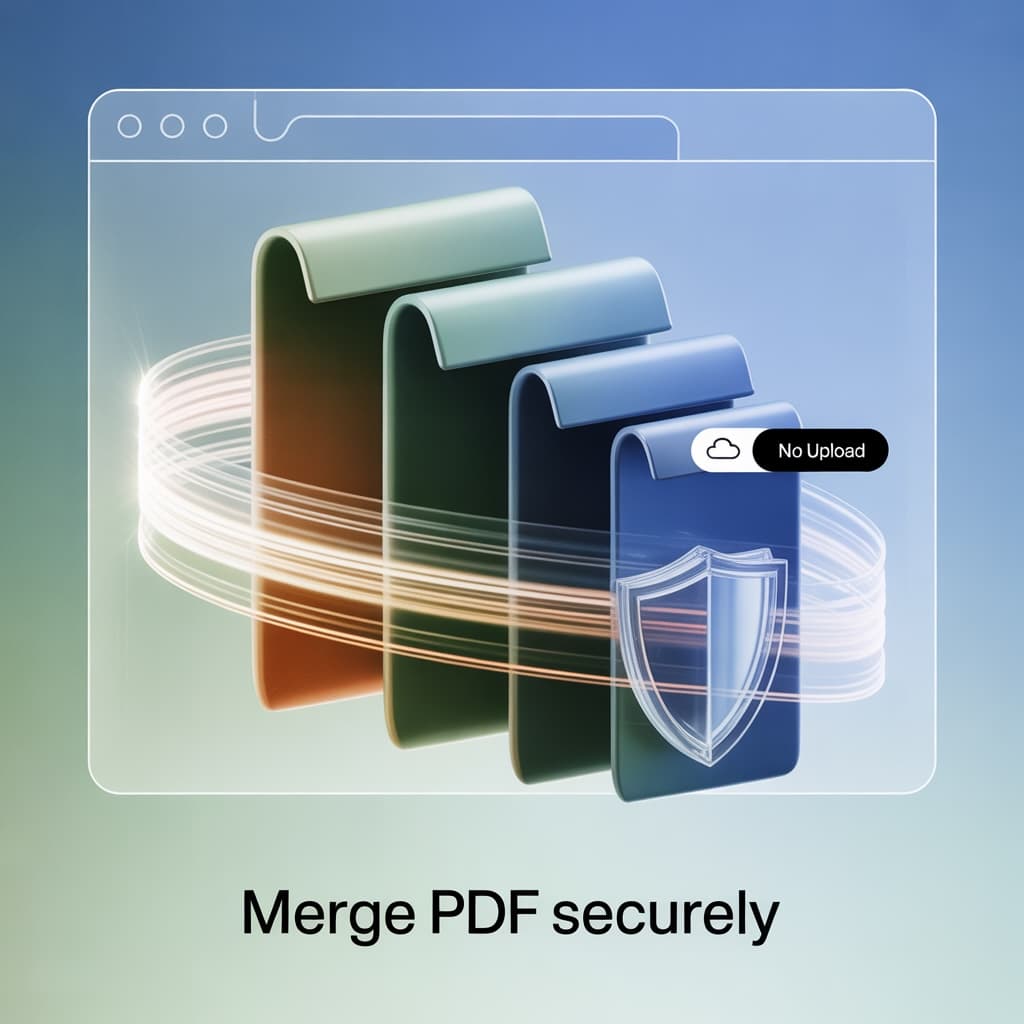
Files require no upload, making it ideal for processing contracts, policies, internal reports, and research materials containing sensitive information.
2. Preserve PDF document structure as much as possible
The tool prioritizes recovering heading hierarchies, paragraphs, lists, quotes, footnotes, references, and image citations—rather than delivering one large block of plain text.
3. Results are more suitable for further editing
Markdown can be directly integrated into repositories, knowledge bases, or CMS platforms, and can be further processed by AI for summarization, rewriting, and extraction.
4. Easier batch content reuse and AI preprocessing
When you need to transform PDF content into blogs, FAQs, product pages, or internal knowledge cards, Markdown will prove significantly more time-efficient than working with the original PDF.
When does PDF-to-Markdown conversion still require manual review?
Even the best PDF-to-Markdown conversion isn't magic. The following situations typically still warrant a quick review:
- Scanned documents or PDFs with poor OCR quality
- Academic papers with extremely complex layouts
- Design documents containing extensive multi-column charts and diagrams
- Financial reports that heavily depend on complex table structures
In practice, however, even preserving 70% to 90% of the structure is sufficient to significantly reduce your subsequent data cleaning time.
A Workflow Better Suited for SEO Content Production and AI Processing
If you want to use PDFs for AI, knowledge bases, or content production, we recommend this workflow:
- First, use a PDF to Markdown tool to export structured text.
- Quickly verify headings, paragraph order, table of contents blocks, and image references.
- Then feed the Markdown into your AI system for summarization, Q&A, tag extraction, or rewriting.
- Finally, deploy the results to your knowledge base, repository, documentation site, blog system, or CMS.
This workflow is typically more controllable and reusable than directly uploading PDFs and repeatedly tweaking prompts.
Common Question: Is PDF-to-Markdown suitable for AI preprocessing?
1. Is this tool suitable for RAG, vector retrieval, or knowledge base preprocessing?
Yes, it is. Markdown is easier to segment into semantically complete chunks, making it typically more suitable as retrieval corpus than disorganized copied text.
2. Will processing long PDFs be slow?
Speed depends on the PDF's complexity and your device performance, but since processing occurs locally in the browser, it typically eliminates upload wait times.
3. Are images preserved?
For extractable embedded images, the tool will attempt to extract image resources and their corresponding references to facilitate further organization.
4. Do I still need the original PDF?
It is generally recommended to retain it. Markdown is more suitable for editing and reuse, while the original PDF remains appropriate for archival purposes and final layout viewing.
If you have confirmed that the current task is to convert the PDF into structured text better suited for AI processing, you can directly open the PDF to Markdown tool. If you are more interested in how to convert and which structures can be preserved, you can continue reading this PDF to Markdown usage guide.