
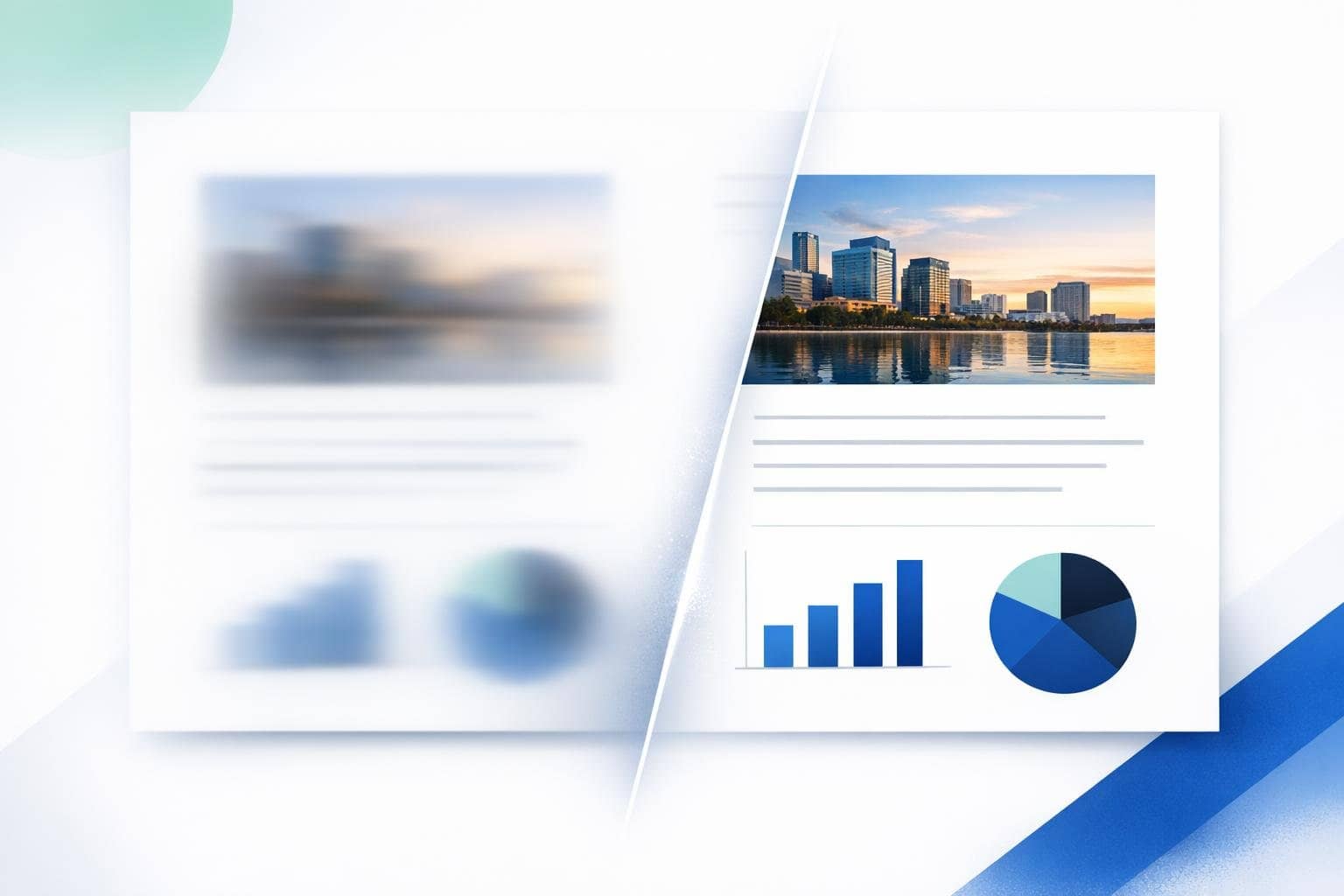
Why do screenshots of images from PDFs become blurry, while direct extraction keeps them clear?
If you want to obtain clear images from a PDF, the most reliable approach is usually not to take screenshots, but to directly extract the embedded images. Screenshots capture the screen display, whereas image extraction yields versions closer to the original images in the PDF, making them generally clearer for design, research, and content reuse.
This is exactly why a PDF image extraction tool is more valuable. As long as the image exists as an embedded resource, extraction tools can typically retrieve the original image directly from inside the PDF, rather than resampling from what's displayed on screen.
Quick Answer: Why are images extracted directly from PDFs clearer?
Because screenshots capture the 'displayed result,' while image extraction retrieves the 'original embedded resources.' Since they come from different sources, the clarity naturally differs.
Are all images in PDFs original quality?
Not necessarily, but many digitally-native PDFs embed images as JPG, PNG, or other bitmap resources. As long as these resources haven't been further downsampled, the extracted results are usually closer to the original quality than screenshots.
Who most commonly needs to extract images from PDFs?
- Designers who need to obtain material images from manuals
- Marketing professionals who need to extract charts from white papers
- Students need to reference illustrations from e-books
- Researchers need to preserve images and diagrams from papers
Why is "no upload required" important for image extraction?
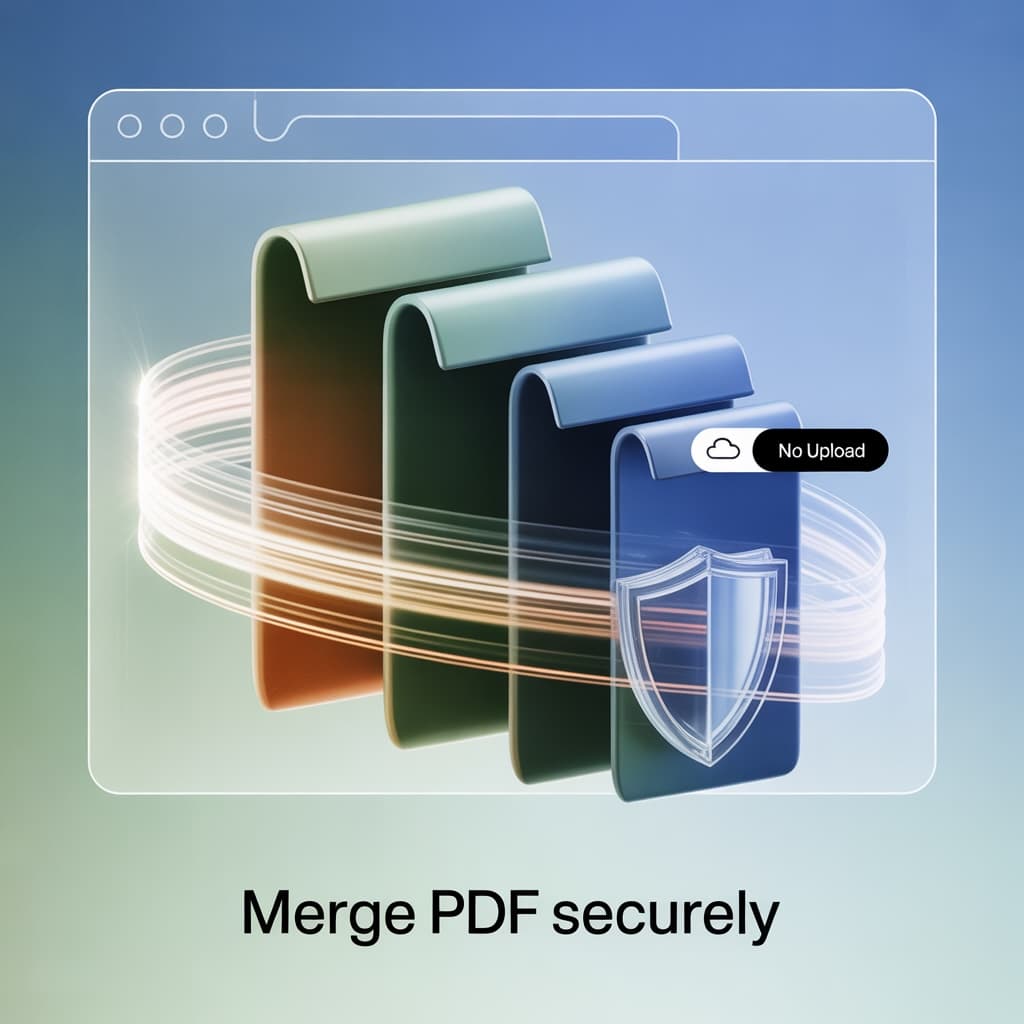
Product manuals, internal proposals, and business reports often contain unpublished images. If you're just trying to export some charts but have to upload the entire PDF first, many teams worry about data leaks. Tools like O.Convertor's PDF Image Extraction Tool process everything directly in your browser locally, significantly reducing these concerns.
When is a screenshot good enough?
If you’re just making a quick presentation, low-resolution notes, or if the PDF content is originally a full-page scanned image, screenshots might actually work. However, if you need to keep editing, formatting, printing, or reusing the image, direct extraction is usually more reliable.
Common Questions
1. Can all PDF images be extracted?
Not every case is the same. Scanned documents and certain complex vector graphics can't necessarily be exported directly like ordinary embedded bitmaps.
2. Are extracted images always clearer than screenshots?
When embedded images can be directly extracted, they're usually clearer and closer to the original resources.
3. Why is image extraction important for content reuse?
Because you often need to reuse individual charts, illustrations, and product images rather than entire PDF pages.
If you want to obtain images directly from a PDF instead of making do with screenshots, you can try O.Convertor PDF Image Extractor. If you’d rather see a practical demonstration, you can also continue reading this article How to Extract Images from PDF.