
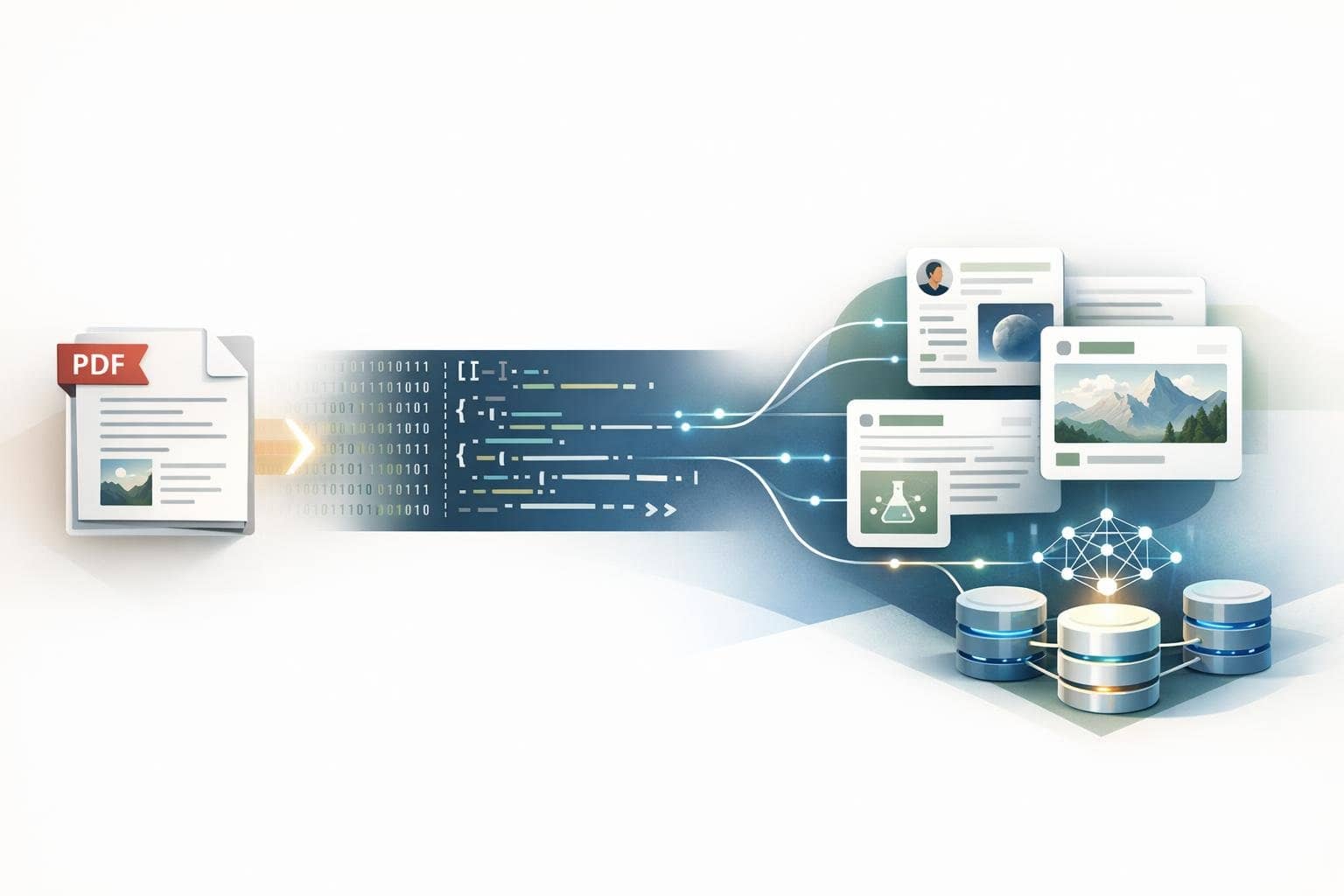
Why More People in AI, RAG, and Knowledge Base Scenarios Are Converting PDF to Markdown First
If your goal is to use PDFs for AI summarization, RAG retrieval, knowledge base indexing, or content rewriting, directly processing the original PDF is often not the most reliable starting point. PDFs are better suited for reading and archiving, while Markdown is more suitable for chunking, searching, editing, and continuous input into AI. This is why an increasing number of teams first convert PDFs to Markdown.
This is why PDF to Markdown conversion tools are becoming increasingly important in AI workflows. It's not about 'switching to a different format,' but rather about reorganizing PDF content into a more processable intermediate layer as effectively as possible.
Quick Answer: Why Is Converting PDF to Markdown First More Suitable for AI?
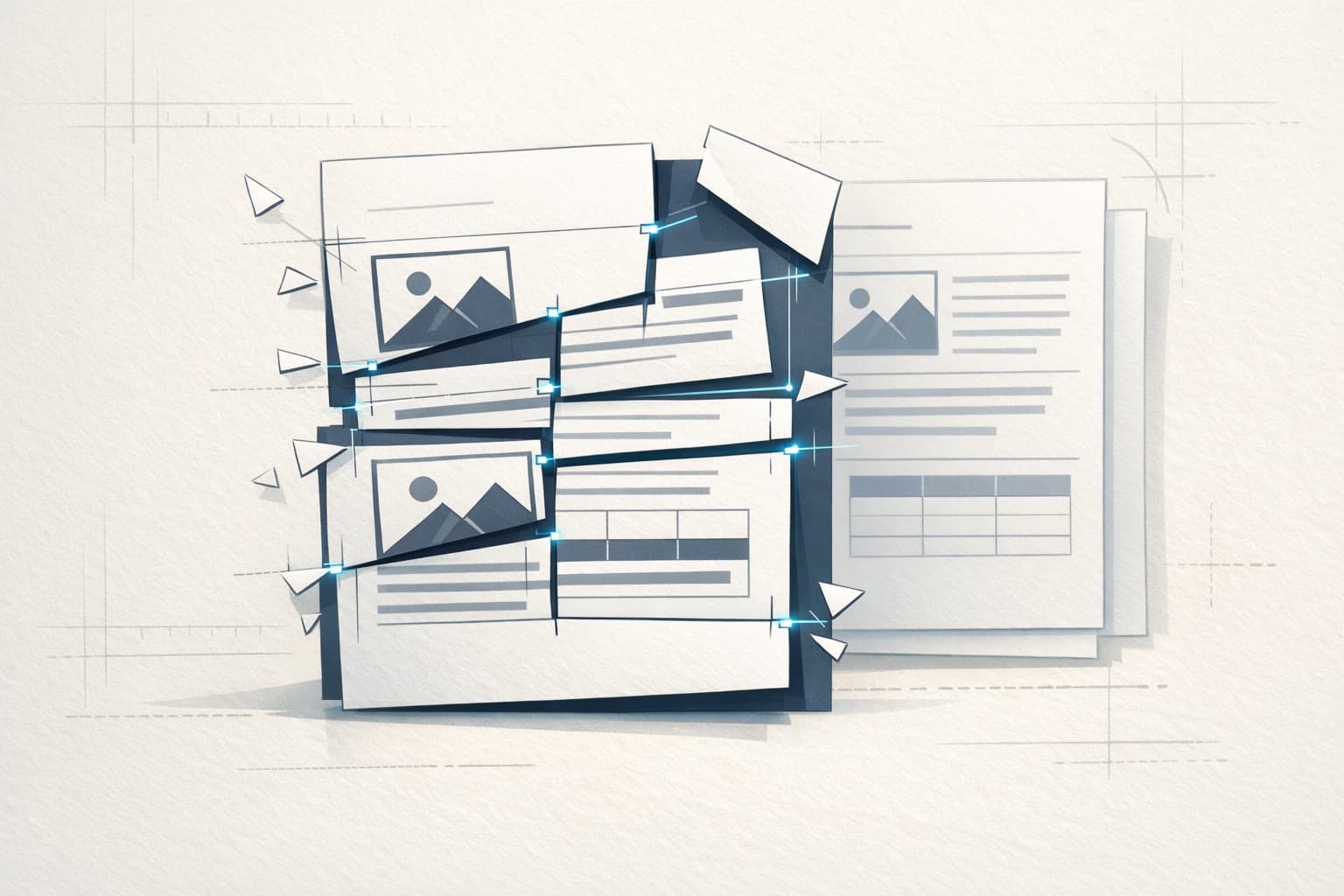
Because Markdown better preserves heading hierarchies, paragraph boundaries, lists, quotations, and image references compared to raw PDF text. This structural information is crucial for summarization, question-answering, RAG retrieval, and knowledge base segmentation.
Why Are PDFs Not Suitable for Direct Input to AI?
Common issues include:
- Page numbers, headers, and footers mixed into body text
- Multi-column content with disrupted reading order
- Lost heading hierarchies
- Table of contents lines mixed with body text
- Disappearing images and caption information
It's not that AI cannot process PDFs—rather, the messier the input, the more unstable the subsequent summarization, tagging, and question-answering results become.
Why is Markdown more suitable as an intermediate format?
- Editable
- Version controllable
- Can be directly integrated into knowledge bases
- More convenient for further AI post-processing
- Suitable for GitHub, Notion, Obsidian, and static sites
In what situations is it not necessarily required to convert to Markdown first?
If you only need to quickly view the content, perform a simple full-text search, or if the document is an exceptionally well-structured plain text PDF, then using the original file directly may not be a problem. The situations that truly call for converting to Markdown first are usually when you plan to continue segmenting, editing, publishing, summarizing, conducting Q&A, or organizing knowledge bases.
Who needs PDF to Markdown conversion the most?
- Teams working on knowledge bases and RAG
- People who need to organize lengthy reports and policy documents
- People who want to migrate PDFs into web articles
- People who need to extract research paper structures
Why is local processing important?
Many PDFs contain sensitive information, such as policy documents, internal manuals, prospectuses, contracts, and research materials. Tools like O.Convertor's PDF to Markdown tool process directly in the browser, making them more suitable for scenarios with privacy and compliance requirements.
Frequently Asked Questions
1. Is PDF to Markdown conversion completely lossless?
No. PDF is not a natively structured format, but structured conversion is still typically better than copying plain text.
2. Is it suitable for RAG preprocessing?
Very suitable. Especially when you need to segment content by headings and semantic chunks.
3. Why are images also important?
Because many documents aren't just text. Diagrams, flowcharts, and screenshots often carry information as well.
If you’ve already decided to use PDFs for AI, knowledge bases, or content migration, you can directly try the O.Convertor PDF to Markdown tool. If you’d rather read a more practical article, you can continue with the PDF to Markdown tool recommendation and usage guide.