
Why is it important to preview and check font files before installing them?
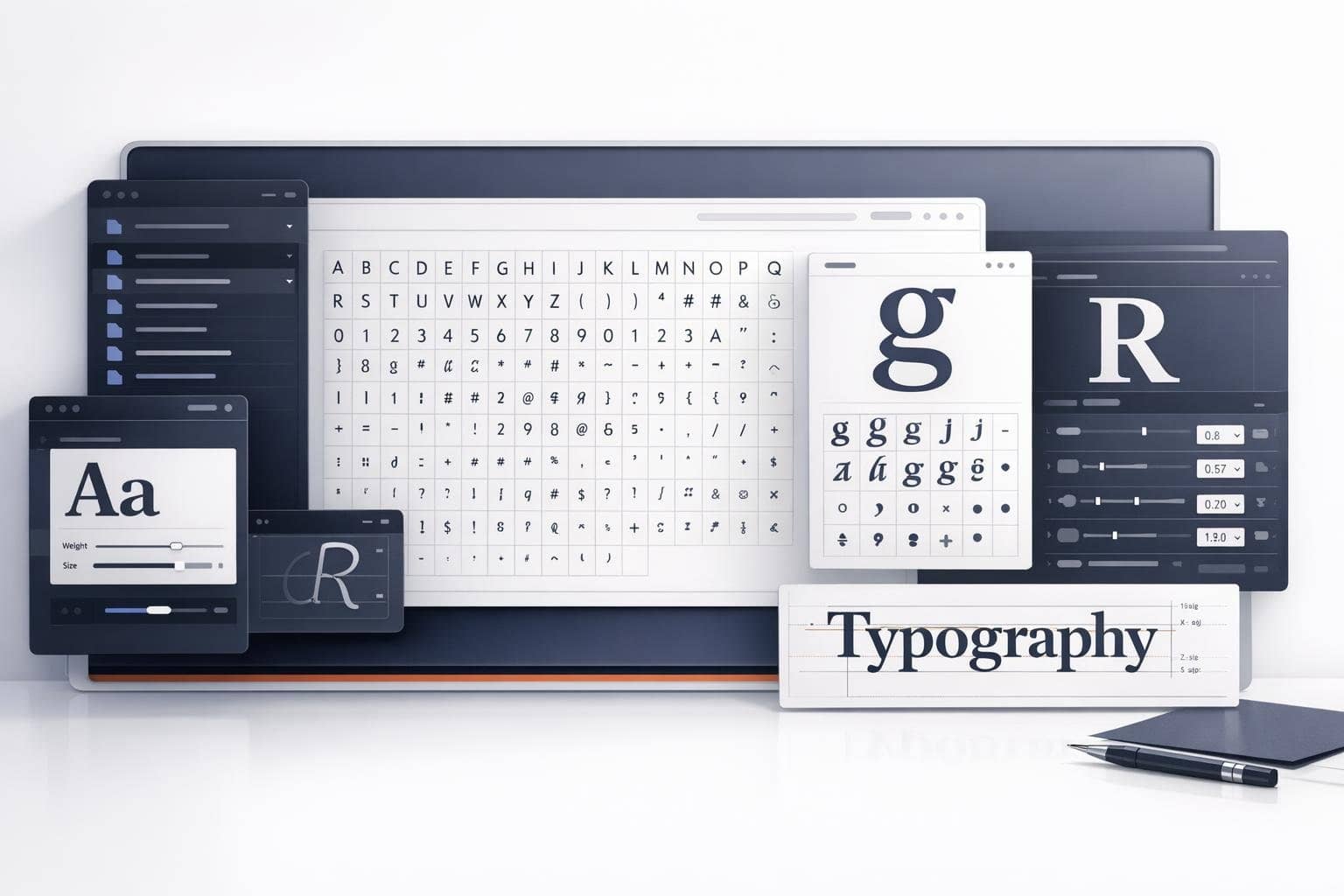
Many people's first instinct after downloading a font is to double-click and install it. However, for design, typesetting, multilingual documents, and branding projects, a more efficient approach is usually to preview first, review carefully, and then decide whether to install. This is because what you actually need to verify first often includes character coverage, completeness of font weights, consistency of glyph shapes, and correctness of font metadata.
This is precisely where the Font Preview and Inspection Tool adds value. It lets you examine the font thoroughly before installation.
Quick Answer: Why should you check font files?
Because fonts aren't as simple as just 'can it display or not.'What truly impacts user experience also includes character coverage, glyph details, metadata, style consistency, and compatibility.
Who needs to check fonts beforehand?
- Designers
- Brand and typography professionals
- Multilingual interface developers
- Anyone handling large volumes of font assets
Why is 'install first, then check' inefficient?
- It pollutes your local font library
- Difficult to quickly compare multiple candidate fonts
- Troubleshooting missing character coverage becomes complicated
What is the difference between font preview and font installation?
Font preview helps you decide whether a font is suitable for your current project, while font installation is about whether you want to permanently add it to your system. The former is more about selection and evaluation; the latter is for formal use. Previewing before installing usually saves a lot of unnecessary effort.
- Not suitable for batch evaluation
What should you check when inspecting fonts?
- Font name and metadata
- Character Coverage
- Is glyph consistency maintained?
- Are common letters, numbers, and punctuation complete?
- Does it support specific language characters?
Why is local preview more recommended?
Font files often come from external sources, and in many cases you simply want to preview them temporarily without uploading to third-party platforms. Tools like O.Convertor's Font Preview & Inspection Tool analyze files directly in your local browser, making them ideal for quick evaluation and privacy-sensitive scenarios.
Frequently Asked Questions
1. If a font opens correctly, does that mean it will work properly?
Not necessarily. You still need to verify that its character coverage and metadata align with your requirements.
2. Why do many fonts appear similar but are actually unsuitable for your project?
Because typographic quality depends not only on visual style, but also on font weights, character widths, language support, and glyph consistency.
3. Is this tool suitable for multilingual font evaluation?
Absolutely—especially when you need to quickly verify character coverage.
If you need to check font details, glyphs, and character support before installation, you can try the O.Convertor Font Preview and Inspection Tool. If your font source is a PDF, you can also continue reading Why some PDFs allow direct font extraction.