
Why is Merging PDFs Locally Safer Than Uploading to Online Servers?
When merging contract attachments, bidding materials, course handouts, or scanned documents, the real concern is usually not how to combine them, but whether these files are appropriate to upload to third-party servers. For privacy-sensitive documents, merging PDFs locally is generally more reliable and time-efficient than uploading and downloading them.
Traditional online tools typically require uploading PDFs first, processing them on the server side, and then downloading the results. While this workflow is commonplace, it invariably presents additional risks for documents containing financial, legal, client, or internal information.
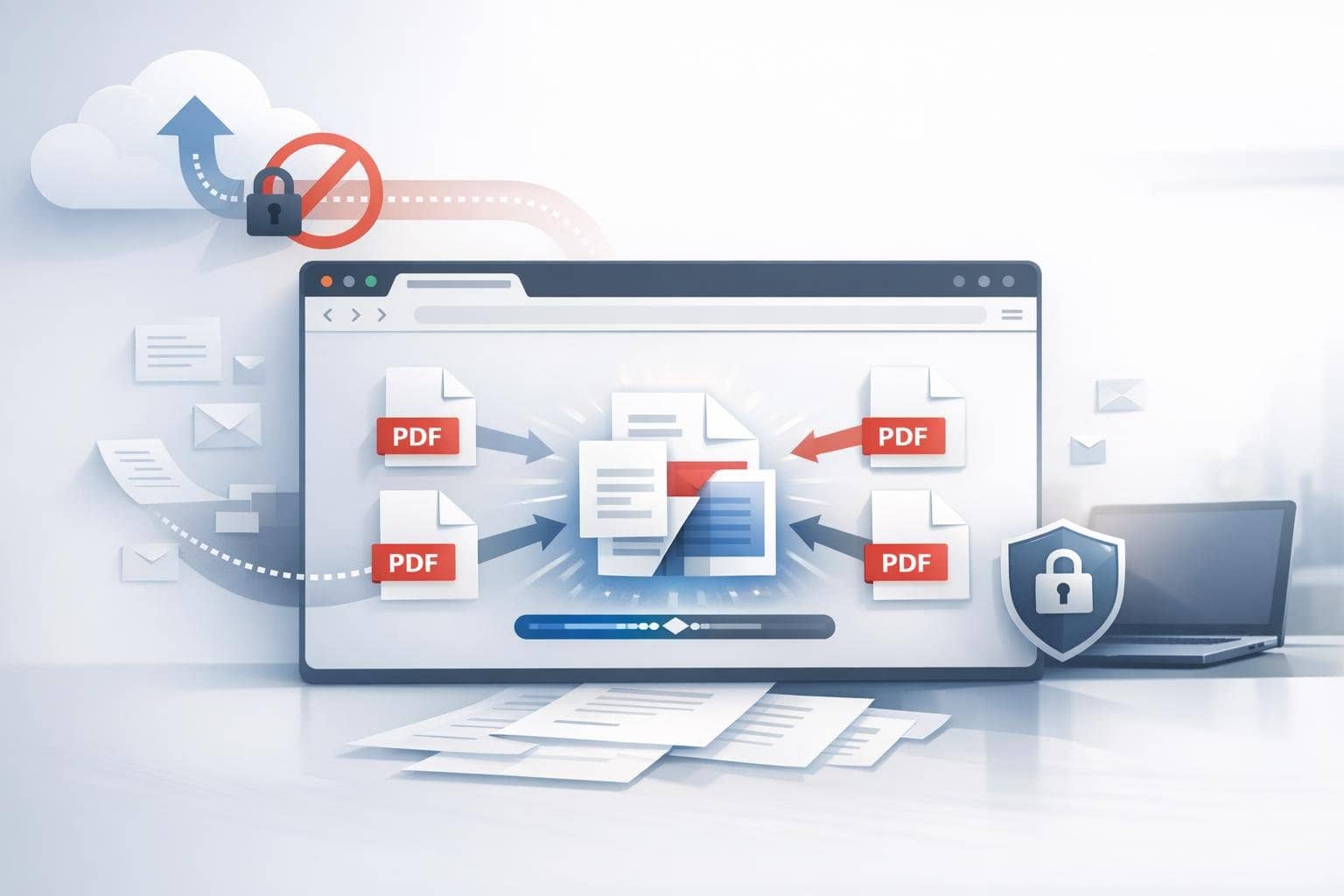
This is precisely why online PDF merging tools increasingly emphasize 'local browser-based processing.' Its significance extends beyond convenience—it fundamentally reduces the likelihood of documents leaving your device.
Quick Answer: Why is Merging PDFs Locally Safer?
Because files don't need to be uploaded to third-party servers. The entire merging process is completed directly in your browser, meaning both source files and resulting files remain exclusively on your device.
What Are the Hidden Costs of Upload-Based PDF Merging?
- Uploading is time-consuming, especially for large files
- Difficult to verify whether servers retain copies
- Higher privacy risks when involving client information, contracts, or internal materials
Most people don't pay much attention to these concerns during routine tasks, but once files contain identity documentation, quotes, contracts, or financial statements, the advantages of local processing become immediately evident.
Who Benefits Most from Local PDF Merging?
- Legal and Administrative Personnel
- Finance and Audit Teams
- Students and Researchers
- Professionals who frequently handle contracts, credentials, and scanned documents
Beyond Security, What Other Advantages Does Local Merging Offer?
- No waiting for lengthy upload times
- Reduced dependency on network connectivity
- More predictable processing behavior
- Ideal for ad-hoc, frequent, and small-batch operations
When is it not necessary to insist on local merging?
If you are handling fully public materials, the files are very small, and your team has no compliance concerns about third-party tools, then upload-based services can be a viable option. However, when documents involve contracts, certificates, financial records, or internal materials, local processing is usually the safer default choice.
Why Is 'Selective Page Merging' Important?
Because often you don't need to merge entire documents—only specific pages. For example:
- Merging only contract body text and signature pages
- Extracting executive summary pages from multiple reports
- Compile selected chapters from different lecture materials into a single study guide
In this case, a PDF merge tool that supports local page selection will be more practical than simple 'full-document merging.'
Frequently Asked Questions
1. Does merging PDFs affect document clarity?
Normal document merging does not actively reduce quality the way image compression does.
2. Is local processing always faster?
For most common scenarios, yes—because it eliminates uploading and server queue wait times.
3. Are free tools suitable for handling sensitive files?
The key isn't whether it's 'free,' but whether uploading is required. As long as processing occurs locally in your browser, the risk is typically much lower.
If you prioritize privacy, speed, and control, feel free to try the O.Convertor Online PDF Merge Tool. If you are still unsure which situations call for splitting rather than merging PDFs, you can read this article: When to Split a PDF.